
Virtual Furniture Placement for Renters: Plan a Room You Cannot Change
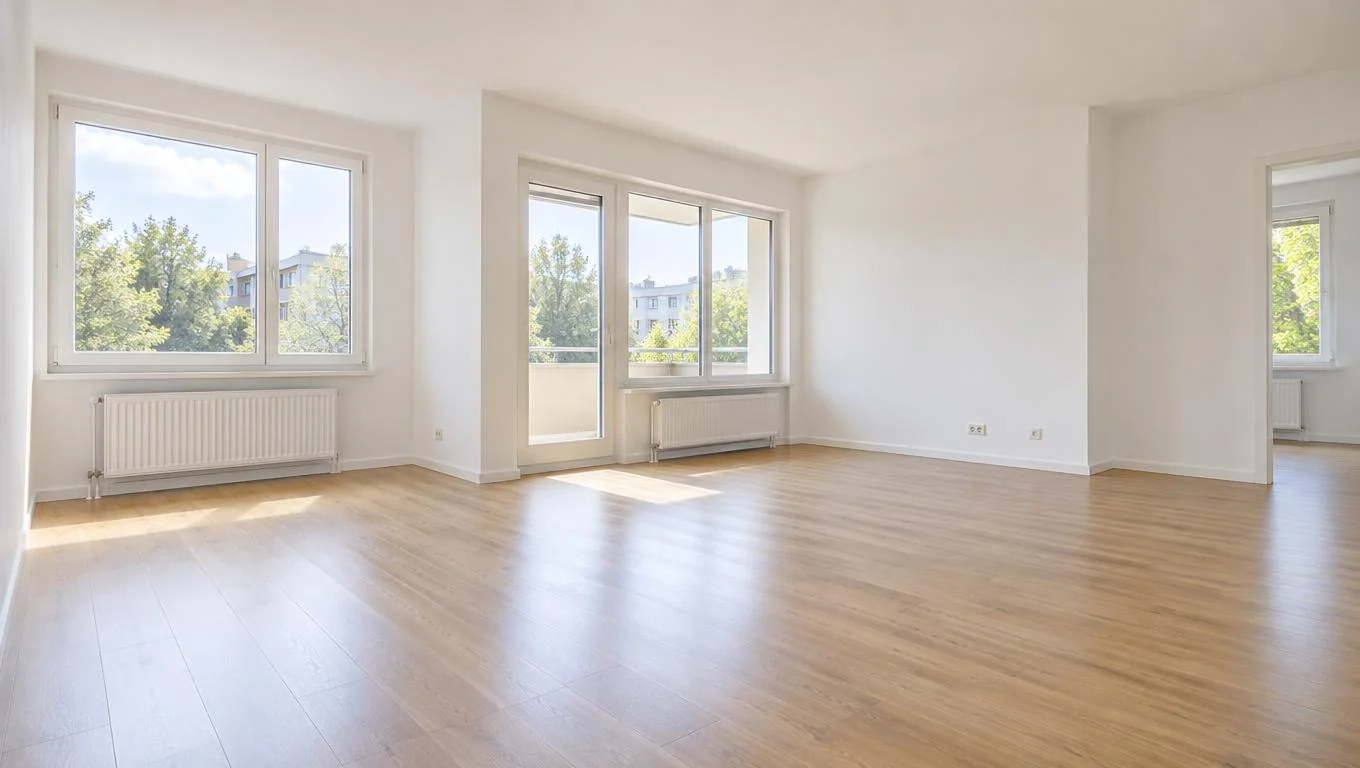
Virtual furniture placement lets you drop a sofa, bed, or dining set into a photo of your actual room so you can see how it fits before you buy anything. For renters, that is close to ideal. You can't repaint, can't swap the flooring, and can't drill into the walls, but you can choose and arrange every movable piece. This guide walks you through photographing your empty room, testing two layouts digitally, and measuring before you order, so the furniture you commit to actually works in the space you're stuck with.
If you've ever tried to visualize furniture in a room using only a tape measure and your imagination, you know how often it goes wrong. A couch that looked compact in the showroom swallows a small living room. A bed blocks the only path to the closet. Virtual placement removes the guesswork by showing you the result on screen first, and it maps perfectly onto the one thing renters are allowed to change.
Key Takeaways
- Virtual furniture placement works best for renters because it changes only movable furniture and decor, exactly what your lease lets you touch.
- One good daylight photo of your empty room is the raw material for everything that follows.
- Test at least two layouts before committing, so you can compare flow, seating, and storage side by side.
- Measure after you preview, not instead of it. The visual tells you what fits the mood, the tape confirms what fits the floor.
- Preview-first beats buy-and-return, saving you the hassle and cost of hauling oversized furniture back out.
What Is Virtual Furniture Placement?
Virtual furniture placement is the process of adding digital furniture to an image or model of a real room so you can preview the arrangement before buying or moving anything. You start with your empty space and layer in the pieces you're considering, a sectional, a queen bed, a reading chair, then judge the result on screen.
There are a few ways to do it. Augmented reality (AR) apps project a single 3D model through your phone camera in real time. Floor-plan planners let you drag furniture icons around a top-down grid. Photo-based AI tools take a picture of your empty room and generate a realistic furnished version of it. Each has tradeoffs, and we break them down in our comparison of furniture placement apps.
For renters specifically, the photo-based approach is the most honest fit. You're not renovating. You're not changing the bones of the room. You're deciding which movable things go where, and that's precisely the job these tools do. The walls, floor, and fixtures in your photo stay exactly as they are; only the furniture and decor change.
That constraint is actually a feature. Because you can't alter anything structural, the preview you see is the real room you'll live in, just furnished. There's no risk of falling in love with a look that requires permission you'll never get from your landlord.
Why Virtual Placement Matters for Renters
Renters face a unique squeeze. You often move every one to two years, you can't customize the space, and you're spending real money on furniture that has to survive the next move. Buying wrong is expensive twice: once when you pay, and again when you return it or drag it to a place where it no longer fits.
Furniture returns are a genuine pain point. Large items frequently carry restocking fees or require you to cover return shipping, and many people find oversized pieces simply can't go back without a van and a free afternoon. Previewing first sidesteps that entire problem.
There's also the confidence factor. When you can see a furnished version of your own living room, you stop second-guessing. You know the sectional leaves a walkway, you know the rug anchors the seating, and you know the whole thing reads as warm rather than cramped. For a space you can't modify in any other way, getting the movable pieces right is the whole game.
It also helps you budget in the correct order. Seeing the room furnished clarifies what you actually need versus what you thought you needed, which pairs well with a realistic first apartment furniture checklist so you buy essentials before extras.
How to Get Started: Photo, Layouts, Measurements
Here's the practical workflow. It takes about an afternoon and saves you from the most common renter furniture mistakes.
Step 1: Photograph the empty room well
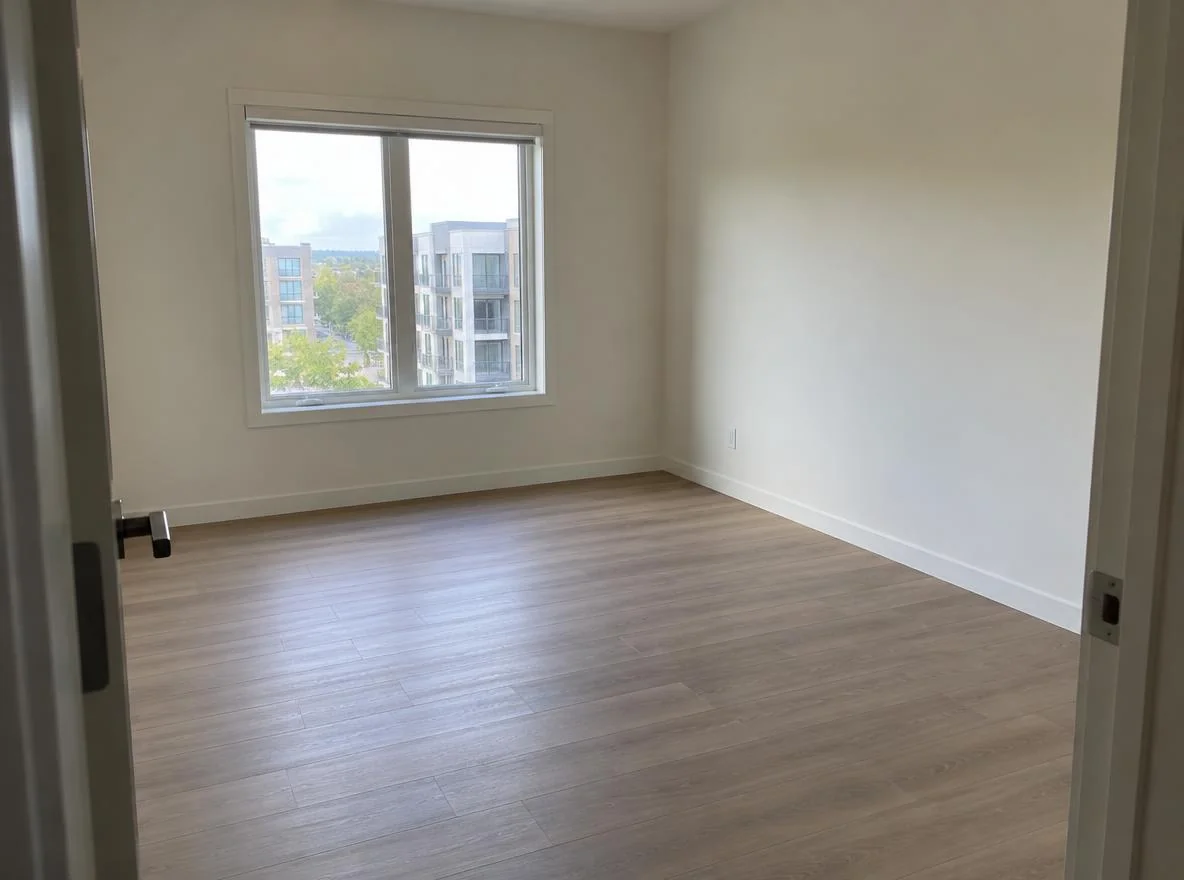
Your photo is the foundation, so get it right. Shoot in daylight with the curtains open and the overhead lights off for even, natural illumination. Stand in a doorway or corner so the camera captures as much floor as possible, since floor space is what you're furnishing. Hold the phone at chest height, keep it level (avoid tilting up or down), and get the room while it's genuinely empty, before any boxes arrive.
One wide shot of the main wall and one angled shot from the opposite corner give you enough to work with. Clean, bright, and level beats artistic every time.
Step 2: Test two layouts, not one
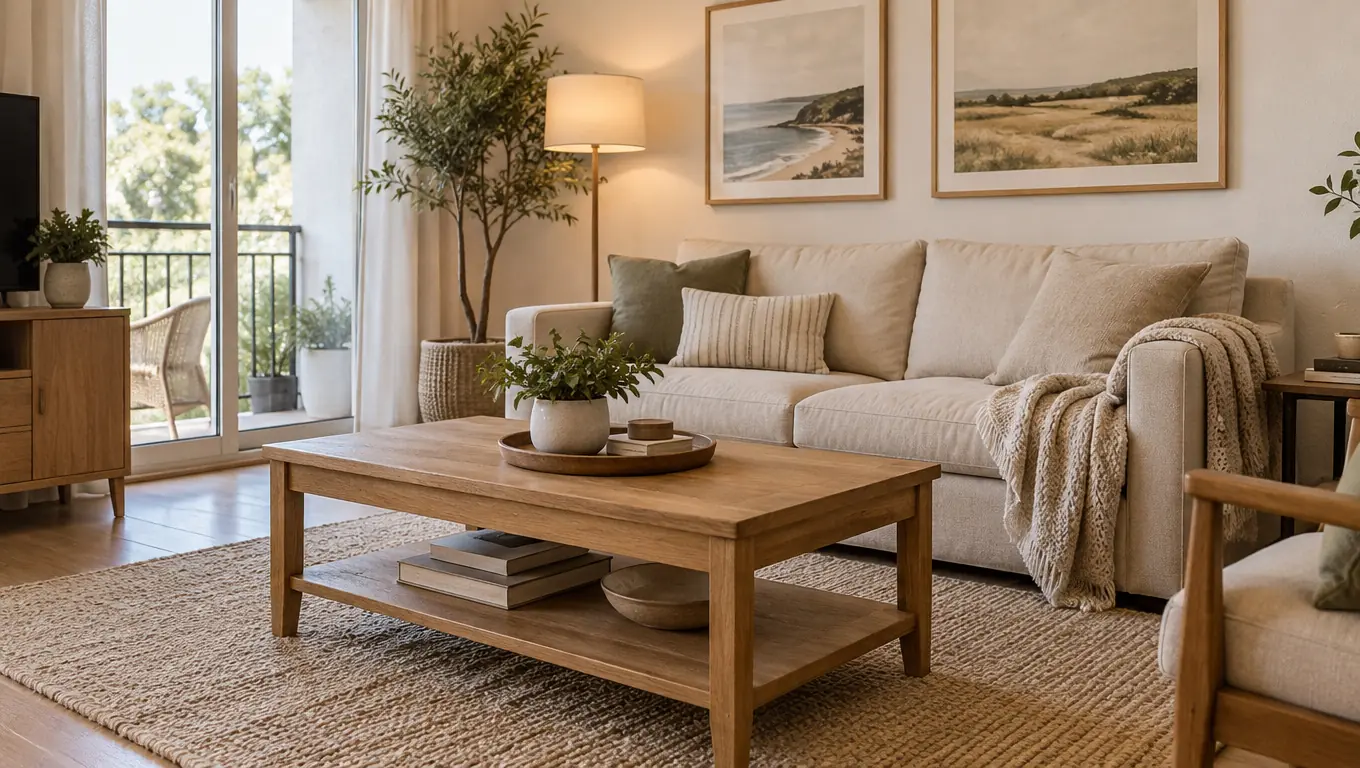
The biggest value in virtual placement comes from comparison. Don't just confirm your first idea. Generate a second, different arrangement and put them side by side. For a living room, that might mean sofa-against-the-long-wall versus sofa-floating-to-divide-the-space. For a bedroom, bed-centered-on-the-main-wall versus bed-in-the-corner to free up floor.
When you use a room visualizer to preview furniture in your actual space, you can see which layout keeps walkways clear, which gives you better seating, and which simply feels more livable. Pick styles that match pieces you can realistically afford, so the preview reflects a plan you can actually execute.
Step 3: Measure before you order
The preview sells you on a look; the tape measure confirms it fits. Once a layout wins, measure the real wall lengths and the key furniture footprints, then check them against standard clearances. This two-step rhythm, visualize then verify, is covered in depth in our guide on how to visualize furniture before buying.
Here are the clearances worth protecting in a rental:
| Zone | Minimum clearance | Why it matters |
|---|---|---|
| Main walkway | 30–36 in (76–91 cm) | Lets two people pass and you carry laundry through |
| Sofa to coffee table | 14–18 in (36–46 cm) | Close enough to reach, open enough for legs |
| Around the bed | 24–30 in (61–76 cm) | Room to make the bed and open closets |
| Dining chair pull-out | 36 in (91 cm) | Space to slide the chair back and stand up |
| TV viewing distance | 1.5–2.5× screen width | Comfortable viewing without neck strain |
Write your room's real numbers next to each piece you're eyeing. If a sofa's depth eats your walkway, the preview already warned you, and now the measurement proves it.
See Your Empty Room Fully Furnished in 30 Seconds
Upload one photo of your empty room and get a realistic furnished preview in the style you choose — before you buy a single piece of furniture.
Free to try • No design skills needed • Works with any room photo
Furnish My Room →Best Practices for Renter-Friendly Placement
Virtual placement gives you the view; these habits make sure the plan holds up once the furniture arrives.
Plan around what you can't move. Radiators, built-in closets, window positions, and outlet locations are fixed. Start your layout from those constraints, then arrange movable pieces to suit them. A preview that respects the real room beats one that imagines the room you wish you had.
Favor pieces that travel. As a renter, every item you buy may need to fit a future apartment. Modular sofas, lightweight shelving, and standard-size beds adapt better than custom or oversized statement pieces. When you preview, lean toward furniture you could reasonably move again.
Match the preview style to your budget. Generating a room full of designer pieces you can't afford only sets up disappointment. Choose a preview style close to your actual price range so the furnished result reflects a plan you can buy into.
Use decor, not construction, for personality. Since paint and fixtures are off-limits, rugs, curtains, lamps, art, and plants do the heavy lifting. Preview these too. A room reads very differently with a large rug anchoring it versus bare floor.
Keep one clear path through every room. The fastest way to make a rental feel cramped is blocking the natural walk line. Check your preview for a clean route from door to window to seating, and protect it.
Common Mistakes to Avoid
A few errors show up again and again when renters try to put furniture in a room virtually and then shop for real.
- Skipping the measurement step. A preview shows proportion and mood, but it isn't a substitute for a tape measure. Always confirm real dimensions before ordering.
- Using a dark or tilted photo. Poor lighting and crooked angles make the result look off and hide how much floor you actually have. Reshoot in daylight if the first try is dim.
- Testing only one layout. The whole point is comparison. One option can't tell you whether it's the best option.
- Buying the biggest sofa that fits. Fitting and working are different. A piece can technically squeeze in and still kill the walkway. Prioritize flow over maximum seating.
- Ignoring the move-out reality. Oversized or fragile pieces that barely made it up the stairwell will be just as hard to get out. Factor the next move into today's choice.
For the bigger-picture sequence of what to buy and when, our guide to furnishing an empty apartment lays out budget and order so your placement plan slots into a full strategy. If you want a deeper look at the tools themselves, the furniture visualizer guide explains their types and limits.
Final Thoughts
For renters, virtual furniture placement is rare in that it matches your exact permissions. You can't touch walls, floors, or fixtures, but you can arrange every movable piece, and that's precisely what the preview shows you. Photograph the empty room in good light, test two layouts so you can compare flow and feel, then measure before you order. That sequence turns furniture shopping from a gamble into a plan.
The payoff is a room you genuinely like and furniture you don't have to return. Take one clear daylight photo of your empty room, try a furnished preview, and let the result guide what you buy. The CTA below is the quickest way to see your own space furnished before you spend a dollar.
See Your Empty Room Fully Furnished in 30 Seconds
Upload one photo of your empty room and get a realistic furnished preview in the style you choose — before you buy a single piece of furniture.
Free to try • No design skills needed • Works with any room photo
Furnish My Room →Frequently Asked Questions
Does virtual furniture placement work for rentals I can't modify?
Yes, and it's an especially good fit. The tool only changes movable furniture and decor in your photo, leaving the walls, floor, and fixtures exactly as they are. That matches what a lease lets you do, so the preview reflects the real room you'll live in.
What kind of photo do I need to visualize furniture in a room?
One clear, level daylight photo of the empty room works best. Shoot from a doorway or corner to capture as much floor as possible, open the curtains, and keep the phone level. Bright and straight matters more than artistic angles.
Can I test more than one furniture layout?
You should. Generating two different arrangements lets you compare walkways, seating, and storage side by side. Comparison is where virtual placement adds the most value, and a single option can't tell you whether it's the best one.
Do I still need to measure if I preview furniture virtually?
Yes. The preview confirms proportion and mood, but a tape measure confirms fit. Measure your real wall lengths and the furniture footprint, then check them against standard clearances before you order anything large.
How is this different from an AR furniture app?
AR apps project one 3D model through your camera in real time, which is great for checking a single item. Photo-based placement furnishes the whole room at once from a picture, making it easier to judge a complete layout. Both have their place depending on the decision you're making.


