
How to Decorate a Room Online Free: 5 Workflows Compared
Introduction
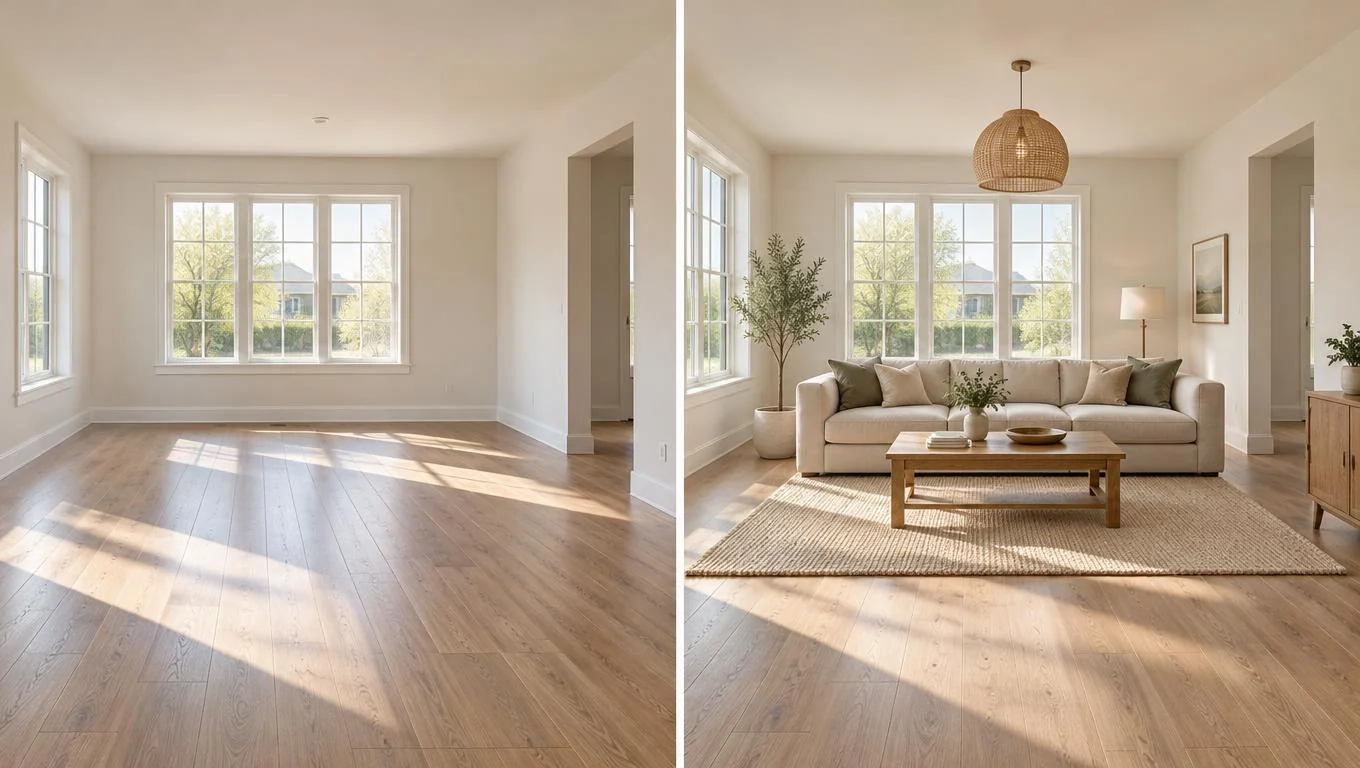
You can decorate a room online free in several ways, and the fastest honest answer is this: pick the workflow that matches how much effort you want to spend. If you want inspiration, a mood board works. If you need to see real furniture inside your own space before you buy, a photo-based AI staging tool gets you there in about 30 seconds. Everything in between trades speed for control.
This guide compares five free ways to design a room online so you stop guessing. We look at mood boards, 2D floor-plan apps, 3D room planners, AR phone apps, and photo-based AI staging. For each, you get the effort level, what the output actually looks like, and where it falls short. Whether you just moved in, are setting up a first apartment, or want a clear plan before the furniture arrives, you will know which online room decorator to open first.
Key Takeaways
- Mood boards are fastest for collecting a look, but they never show your real room or true scale.
- Floor-plan and 3D planners give precise measurements and layout control, at the cost of a learning curve and manual modeling.
- AR apps place single items through your phone camera, which is great for one chair but clumsy for a whole room.
- Photo-based AI staging furnishes a photo of your empty room in seconds, so you see realistic results in your actual space.
- Most free tools cover empty or starting-from-scratch rooms best. Match the workflow to your goal, not the hype.
What Does It Mean to Decorate a Room Online Free?
To decorate a room online free means using a web or mobile tool to plan how a space will look furnished, without paying for software or a designer. These tools fall into two broad camps. Some help you collect ideas and a style direction. Others help you test actual furniture, layout, and scale inside a specific room.
That distinction matters more than the brand name on the tool. A Pinterest board and an AI staging app both design a room online, but they answer different questions. One tells you what you like. The other tells you whether a sofa that size will crowd your walkway or leave the room feeling finished.
Free tiers usually come with limits: fewer exports, watermarks, smaller product libraries, or a cap on how many rooms you can save. That is normal, and for a first pass it rarely matters. You are trying to answer a simple question before spending money: will this look right in my space?
One honest note on scope. The most beginner-friendly online room decorators work with photos of empty rooms and add movable furniture and decor. They do not repaint walls, swap flooring, or remodel anything built in. That keeps the preview realistic and keeps you focused on the choices you actually control: the furniture and styling you bring in.
Why Free Online Room Decorating Matters
Buying furniture blind is expensive. A sofa that looked perfect online can swallow a small living room or block a window once it arrives. Returns are a hassle, and bulky items often carry restocking or shipping fees that eat your budget. Furniture is one of the trickier categories to return because of size and freight, so the cheapest fix is to not make the mistake in the first place.
Decorating online first solves that. You get to arrange, swap, and second-guess for free, then commit once with confidence. For budget-first shoppers, that is the whole game: spend nothing to plan, so you spend wisely to furnish.
There is also a confidence payoff. An empty room can feel overwhelming when you have a blank slate and a limited budget. Seeing a realistic preview turns "I have no idea where to start" into "I'll put the sofa here and build around it." You move from vague inspiration to a concrete plan you can shop against, which is what makes a room finally feel livable instead of half-done.
How to Get Started: 5 Free Workflows Compared
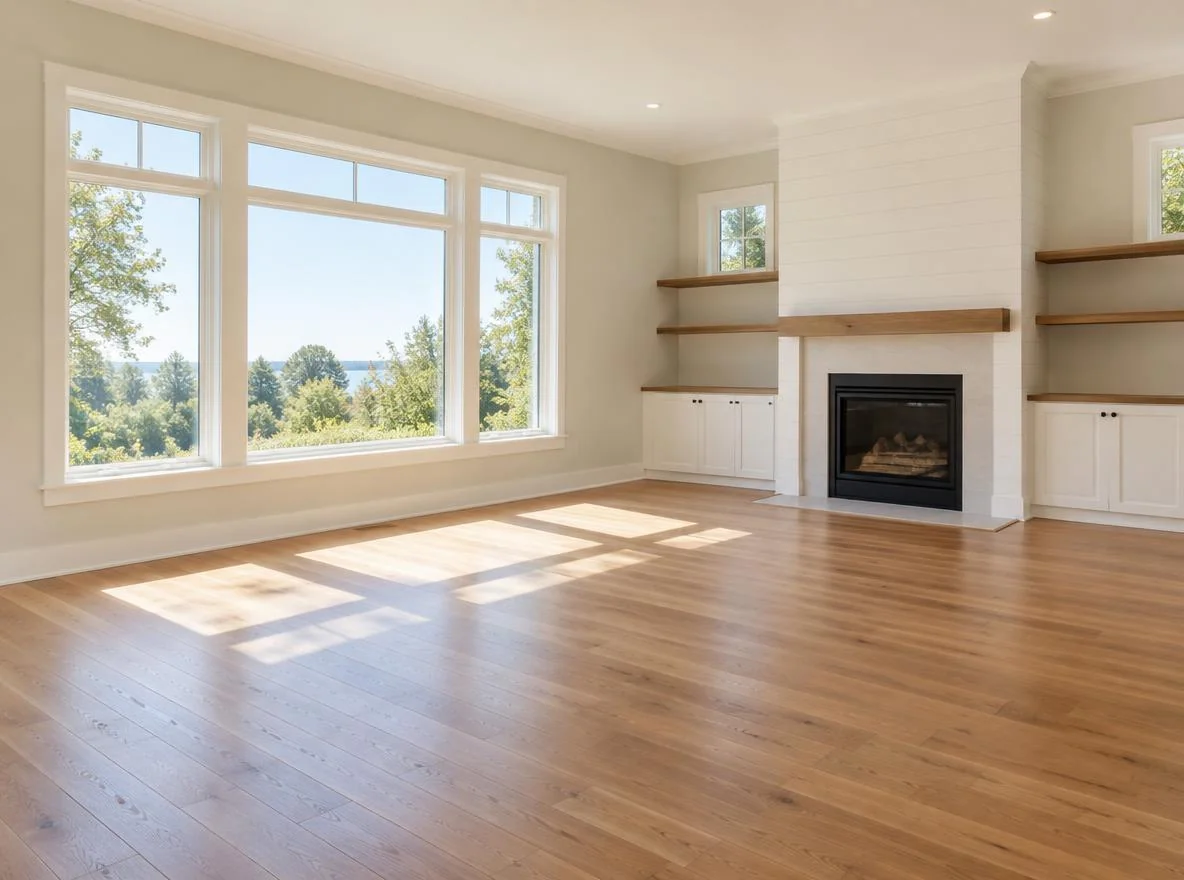
Here is the honest comparison. Each workflow can decorate a room online free, but they differ sharply in effort and in how close the output gets to your real space. Start with the table, then read the breakdowns.
| Workflow | Effort | Shows your real room? | Best for |
|---|---|---|---|
| Mood boards | Low | No | Finding a style and color direction |
| 2D floor-plan apps | Medium | Scaled plan only | Measuring fit and clearances |
| 3D room planners | High | Modeled version | Detailed layout and walkthroughs |
| AR phone apps | Low-Medium | Live, one item | Checking a single piece in place |
| Photo-based AI staging | Very low | Yes, from a photo | Realistic whole-room preview fast |
1. Mood boards (Pinterest, Canva)
Effort: low. You pin or drag images of sofas, rugs, and palettes onto a board until a look emerges. It is the easiest way to decide on a style, from warm minimalist to cozy mid-century. The catch is that a mood board never shows your actual room or true scale. A gorgeous sectional on a board tells you nothing about whether it fits your 11-foot wall.
2. 2D floor-plan apps
Effort: medium. You enter room dimensions and drag furniture footprints onto a to-scale grid. This is the workflow for answering fit questions: will a queen bed leave a walkway, can two people pass the coffee table. You get accuracy, but no sense of style, color, or how the finished room feels.
3. 3D room planners
Effort: high. Free 3D planners let you build a model of your room, drop in furniture, and walk through it. The result can look impressive, but modeling your space and matching real products takes real time, and the furniture library is usually generic rather than the exact pieces you plan to buy.
4. AR phone apps
Effort: low to medium. Augmented reality apps use your phone camera to place a 3D model of one item in your actual room so you can walk around it. Excellent for a single chair or a specific product. For a whole empty room, placing and keeping multiple items stable gets fiddly fast.
5. Photo-based AI staging
Effort: very low. You upload one photo of your empty room, choose a style, and the tool returns a realistic furnished version in about 30 seconds. Because it works from your actual photo, the proportions and lighting match your space. If you want to see the end result without modeling anything, try a free virtual staging tool on a photo of your own room and compare a few styles side by side. For a slower, manual walkthrough of this approach, our step-by-step free virtual staging guide covers the details.
See Your Empty Room Fully Furnished in 30 Seconds
Upload one photo of your empty room and get a realistic furnished preview in the style you choose — before you buy a single piece of furniture.
Free to try • No design skills needed • Works with any room photo
Furnish My Room →Best Practices for Decorating a Room Online
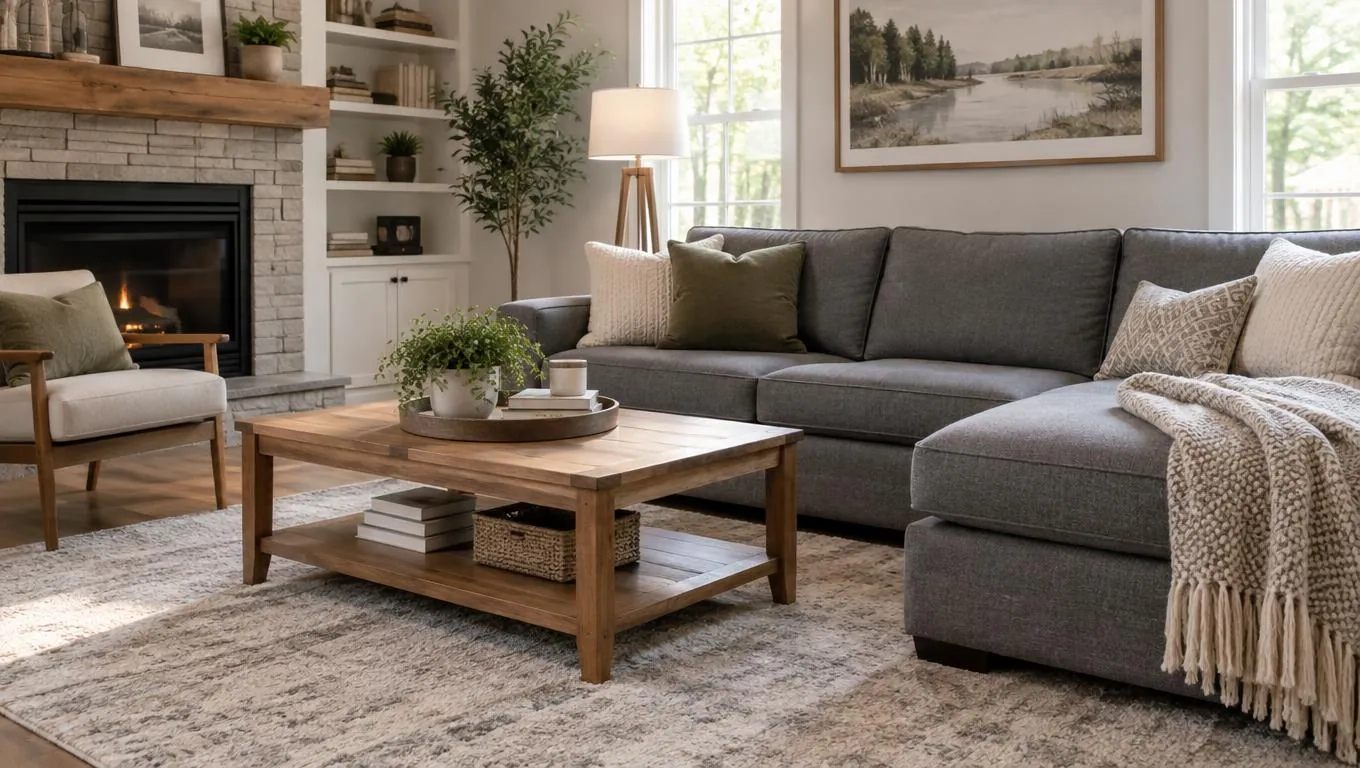
A little discipline makes any free workflow far more useful. These habits keep your preview honest and your eventual purchases on target.
Start with one good photo. For photo-based and AR tools, shoot the empty room in daylight, stand in a corner, and get the whole space in frame. A clear, bright photo gives the most realistic result. If you are new to this, our beginner room mockup guide walks through capturing a usable shot.
Decide the layout before the decor. Place the big pieces first, sofa, bed, dining table, then style around them. Function comes before cushions. A room that photographs well but blocks a doorway is not livable.
Respect real clearances. Keep these common minimums in mind as you plan, whatever tool you use:
| Clearance | Comfortable minimum |
|---|---|
| Main walkway | 30–36 in |
| Sofa to coffee table | 14–18 in |
| Around a bed | 24–30 in per side |
| Dining chair pull-out | 36 in from table edge |
Test more than one style. The point of going free is cheap iteration. Preview a warm look and a clean look in the same room before you decide. Most people find that seeing two options side by side makes the choice obvious.
Match the tool to the question. Use a mood board for direction, a floor plan for fit, and AI staging for a realistic whole-room preview. Stacking two simple tools often beats forcing one tool to do everything.
Common Mistakes to Avoid
Falling in love with a mood board. Boards ignore scale. That dreamy sectional may be a foot too long for your wall. Always check real dimensions before you commit.
Skipping measurements. "It looks about right" is how walkways disappear. Measure the room and the furniture, every time.
Over-investing in modeling. Spending an evening building a perfect 3D model, when all you needed was a quick preview, is effort in the wrong place. Match the workflow to the decision.
Using a dark or cluttered photo. Photo-based tools work best on a clean, empty, well-lit room. A dim shot with boxes in the corner produces a muddy result.
Expecting the tool to renovate. Online room decorators that work from a photo add movable furniture and decor. They are not for changing walls, floors, or built-ins, so plan your decorating around what you can actually move in. For a realistic look at what these tools do and do not do, see whether virtual staging really works.
Final Thoughts
The best way to decorate a room online free is to match the workflow to your question. Reach for a mood board when you need direction, a floor plan when you need to confirm fit, and photo-based AI staging when you want a realistic whole-room preview without the modeling work. Each one is free to try, so there is no reason to buy furniture blind.
If you are starting from an empty space, take one clear daylight photo of the room, pick a style, and preview the furnished result before you spend a dollar. Seeing your own space furnished turns a blank slate into a plan you can shop with confidence. When you are ready to see it in seconds, the CTA below will take it from there.
See Your Empty Room Fully Furnished in 30 Seconds
Upload one photo of your empty room and get a realistic furnished preview in the style you choose — before you buy a single piece of furniture.
Free to try • No design skills needed • Works with any room photo
Furnish My Room →Frequently Asked Questions
Can I really decorate a room online for free?
Yes. Mood boards, floor-plan apps, 3D planners, AR apps, and photo-based AI staging all offer free ways to plan a room. Free tiers may add watermarks or limit exports, but they are enough to test a layout and style before you spend.
What is the fastest way to design a room online?
Photo-based AI staging is usually fastest. You upload one photo of your empty room, pick a style, and get a realistic furnished preview in about 30 seconds, with no modeling or measuring required up front.
Do I need measurements to use an online room decorator?
For floor-plan and 3D tools, yes, accurate dimensions are the whole point. For photo-based AI staging, the photo captures your proportions, though you should still confirm furniture sizes against your measurements before buying.
Can these tools work if my room already has furniture?
Photo-based staging works best on empty rooms, since it adds furniture to a clean space. If your room is already furnished, clear it or use a photo from before move-in for the most realistic preview.
Will an online tool change my walls or floors?
Photo-based room decorators add movable furniture and decor; they do not repaint walls, replace flooring, or remodel built-ins. Plan your decorating around the pieces you can actually move in and style.


