
Best AI for Interior Design in 2026: 8 Tools Compared by Job, Free Tier, and Price
Introduction
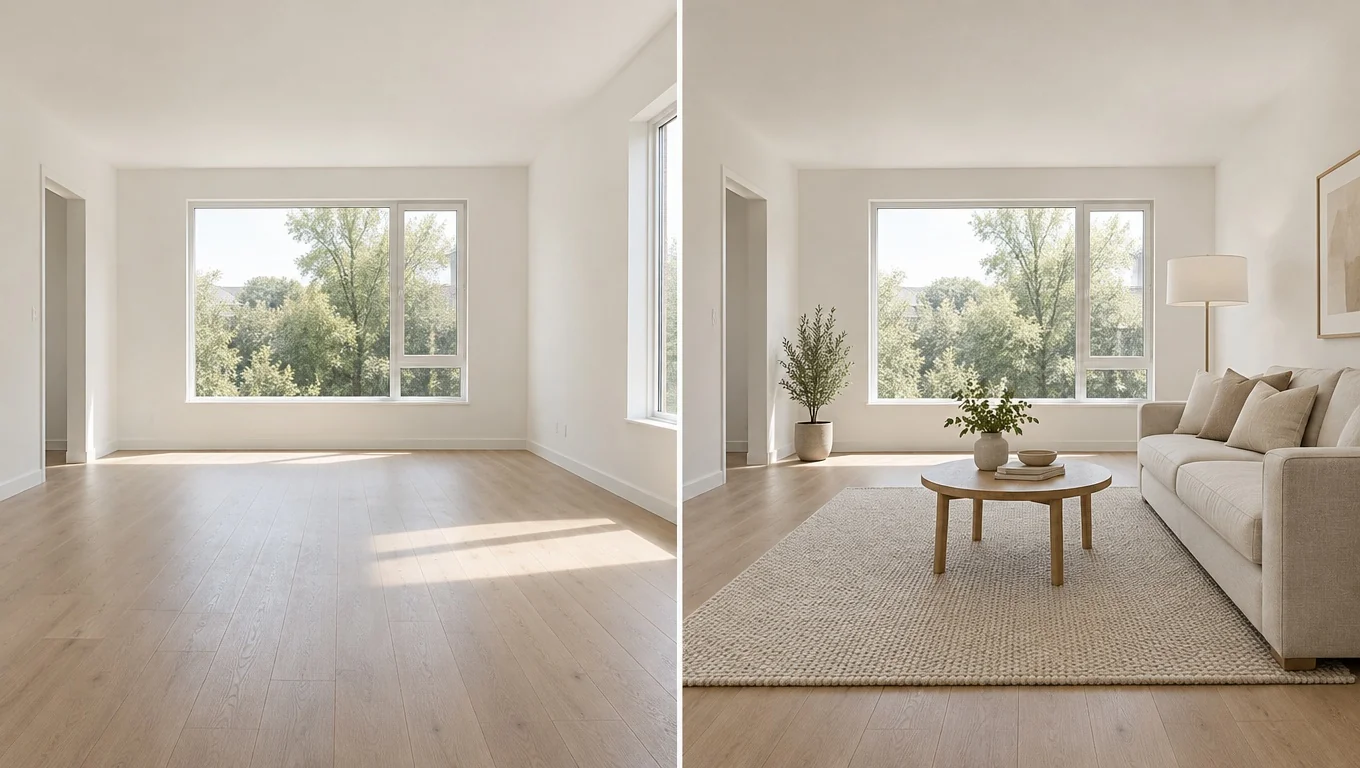
Search for the best AI for interior design and you get the same ten names in a different order, usually with the article's own product sitting at number one. This guide is honest about one thing up front: InteriorStage is our product, and it is on the list. But instead of ranking everything from 1 to 8, we sorted the tools by the job you are trying to do. An app that is great at showing a sofa in your empty living room is often useless for drawing a floor plan, and the reverse is just as true.
Every price and free-tier detail below comes from each tool's own pricing page or app listing, checked in October 2026. Free tiers change without warning, so treat the numbers as a starting point and click through before you sign up. There are no affiliate links in this article.
Quick Comparison Table
If you only read one section, make it this one. The "best for" column matters more than the price column. Most of these tools cost between free and $50 a month, so the real question is whether the tool does the specific thing you need.
| Tool | Best for | Free tier | Paid from | What you upload |
|---|---|---|---|---|
| InteriorStage | Furnishing an empty room from a photo | 2 images a month, watermarked | $29 a month | Empty-room photo |
| Remodel AI | Renovation previews: paint, floors, exteriors | 3 designs, no card | $29 a month (billed $349 a year) | Any room photo |
| DecorAI | Quick daily redesigns with no account | 3 designs a day | $19.99 a month | Any room photo |
| RoomGPT | A one-time style test | 1 generation | Credit packs, no subscription | Any room photo |
| ReimagineHome | Furnished rooms and listing photos | 5 designs | $14 a month | Any room photo |
| Interior AI | High-volume rendering, sketches to photos | None | $49 a month ($29 a month billed yearly) | Photo, sketch, or SketchUp file |
| Spacely AI | Architects and designers working from CAD | 40 trial credits | Per-seat plans | Photo, sketch, or 3D export |
| Planner 5D | Floor plans and measurements | Free, unlimited projects | $4.99 a month (billed yearly) | Room dimensions |
How We Sorted These Tools
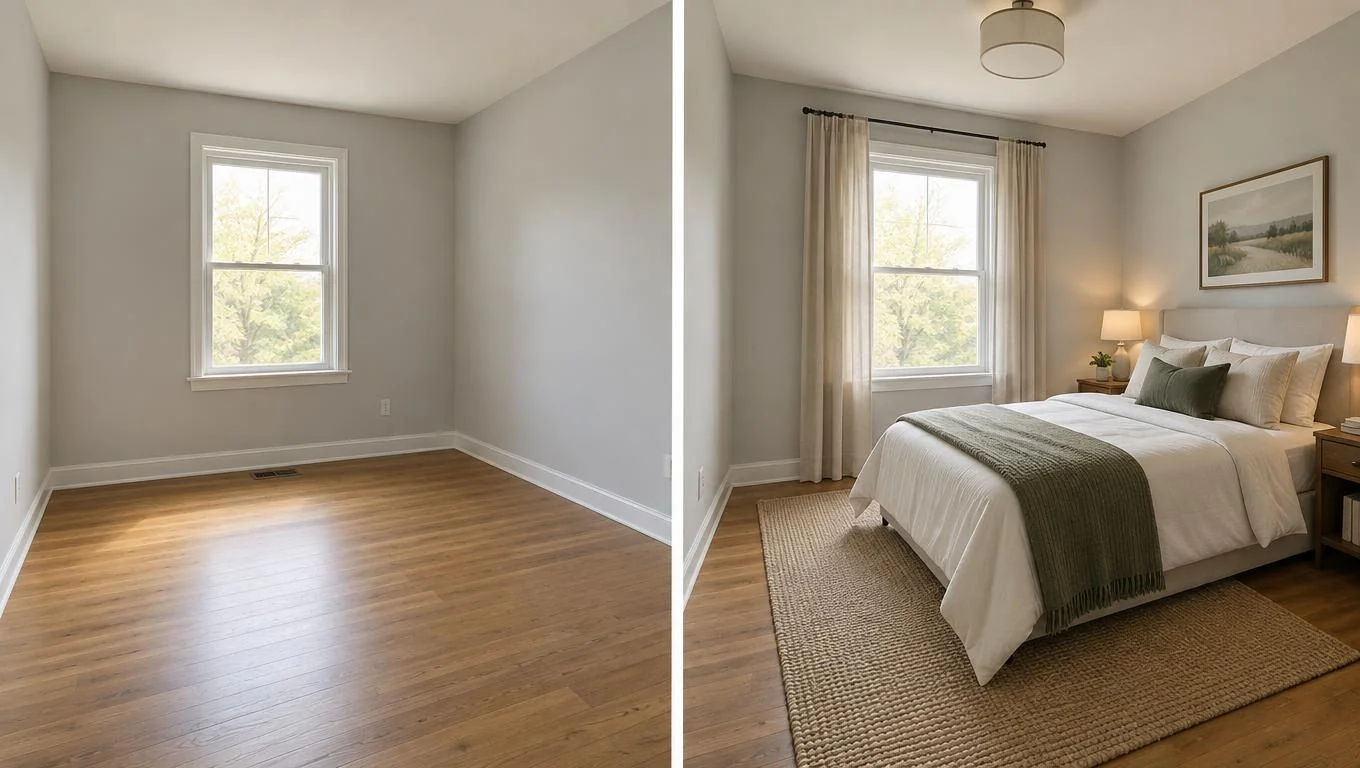
Photo-to-render tools all work in roughly the same way: you upload a picture, pick a style, and a diffusion model repaints the image. Because the underlying technology is similar, the useful differences are elsewhere. What does the tool preserve from your original photo? Does it need an empty room or a furnished one? How much can you try before paying? And is the output meant for your own shopping decisions, a real estate listing, or a client presentation?
So we grouped the eight tools into five jobs: furnishing an empty room, redesigning a furnished room, previewing a renovation, professional rendering, and planning a layout with real measurements. One tool per job would have been tidier, but a few of them overlap, and pretending otherwise would not help you choose.


